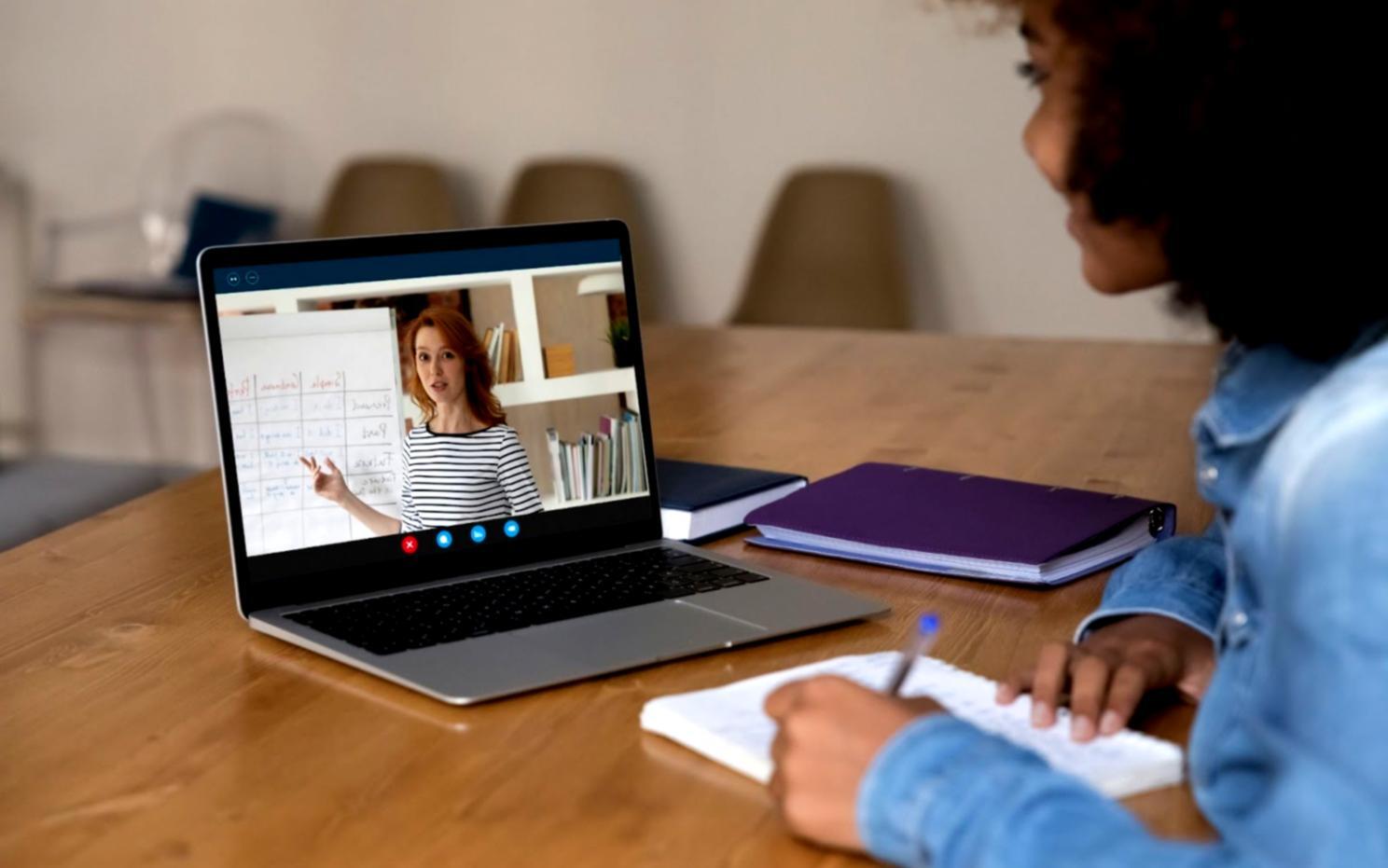


Master Video Transitions

Learn timing precision, blending modes, and keyframe control through hands-on exercises with instant feedback

Kesmuvardo
Kesmuvardo
Video Effects Training
Professional video editing and transitions showcase

Craft transitions that captivate

We design video effects programs that help you choose the right approach for every project stage.

Choose your learning path

Cinematic Transition Design

Cinematic Transition Design

Professional transition design services that connect your video scenes with visual sophistication and narrative flow.

$1,850 CAD Per project. Includes 25 custom transitions, all source files, and 30 days of revision support.
EXPLORE DETAILS

Motion Graphics Effects Package

Motion Graphics Effects Package

Custom motion graphics and visual effects designed to enhance your video storytelling with purpose-built animated elements.

$2,400 CAD Complete package with full source files. Additional effects available at $95 each after initial delivery.
EXPLORE DETAILS
Advanced Color Grading Effects

Advanced Color Grading Effects

Specialized color grading and correction that establishes visual consistency and emotional tone across your video content.

$1,650 CAD Includes all LUTs, presets, and documentation. Camera-specific variations add $280 per additional camera system.
EXPLORE DETAILS

Why editing precision matters

Transitions shape how viewers perceive your narrative flow. A poorly timed cut can break immersion, while a well-crafted fade preserves emotional continuity.

Our approach examines clip structure, timing intervals, and effect layering. Each decision affects pacing. We guide you through selecting methods that suit documentary pacing versus commercial rhythm, ensuring your edits support story intention rather than distract from it.

Students practice on real footage samples, adjusting keyframes and experimenting with motion blur parameters. You'll build a toolkit of transitions that work across genres without relying on presets that date your work.

How does this actually work?

01

Assess your current workflow

Submit a short clip demonstrating your typical editing approach. We analyze transition choices, timing, and technical execution to identify where adjustments create the most impact.

02

Complete structured exercises

Work through progressive assignments focusing on specific transition types. Each exercise includes source footage, target duration, and mood objectives so you practice under realistic constraints.

03

Receive detailed feedback

Instructors review your submissions with timestamped notes highlighting technical strengths and areas needing refinement. Feedback addresses both aesthetic choices and software efficiency.

04

Apply techniques to your projects

Use the methods you've practiced on personal or client work. Optional portfolio reviews help ensure your new skills translate effectively beyond the course environment.